Live chat your visitors use and your team keeps up with
One script on your site. A shared inbox on the web, your Mac and your phone. When nobody is around, the conversation carries on by email and picks up exactly where it left off.
Fourteen days free, no card. Installs in one line, cancel whenever.
Grace Hopper grace@example.com
Pricing page · Christchurch, NZ
Does this work with our checkout?
Visitor · 10:24
It does. Drop the snippet in your layout and it follows the visitor through checkout.
You · 10:25
Sam · internal note
She is on the Pro trial, ends Friday.
1 line
to install
~40 KB
widget, no dependencies
300+
locations worldwide
iOS & Mac
native apps included
Four things a small team actually needs
Everything a support desk needs, and nothing a call centre needs.
Nobody answers twice
Drafts, read receipts and who has a conversation open are all live, so nobody answers the same person twice.
See the inboxA conversation, not a chat session
Visitor closes the tab at 2am? Your reply reaches them by email, and their reply lands back in the same thread.
How the handoff worksKnow who you are talking to
Pages visited, location, and whatever your own app tells us: plan, seats, account URL. On the conversation, before you reply.
What you get toldAnswer from the sofa
Native iOS and Mac apps with push notifications, routed by who actually handles that site.
The appsAnd the rest of it
Built in, on every plan. No add-ons and no upsell page.
Speak first, on purpose
Offer help after thirty seconds on the pricing page, to first-time visitors, while somebody is online to answer. Rules you write in a sentence.
Not only in English
The widget speaks English, French, German, Spanish and Dutch, follows the visitor’s browser, and lets you reword any line in your own voice.
Numbers you can act on
Volume, first reply time, time to resolve and satisfaction, by site and by agent. Including the ratings your visitors were already leaving.
A person, not a thread
Everyone who has written in, what your own site told us about them, and every conversation they have ever had.
Your data, in your systems
Scoped API keys and signed webhooks, so an integration is your afternoon rather than our roadmap.
Abuse stops reaching you
Block somebody and the chat simply is not there for them any more. They are never told, so they do not come back from a new address.
See what your colleague is typing, before you both answer
Assignment is soft: the first person to reply owns it, and anyone can pick it up. Internal notes stay internal, mentions notify the person you name, and canned replies expand from a slash shortcut.
Internal notes your visitor never sees, with @mentions that push.
Canned replies on a shortcut, per site or shared across all of them.
Snooze and close, so an open queue actually means something.
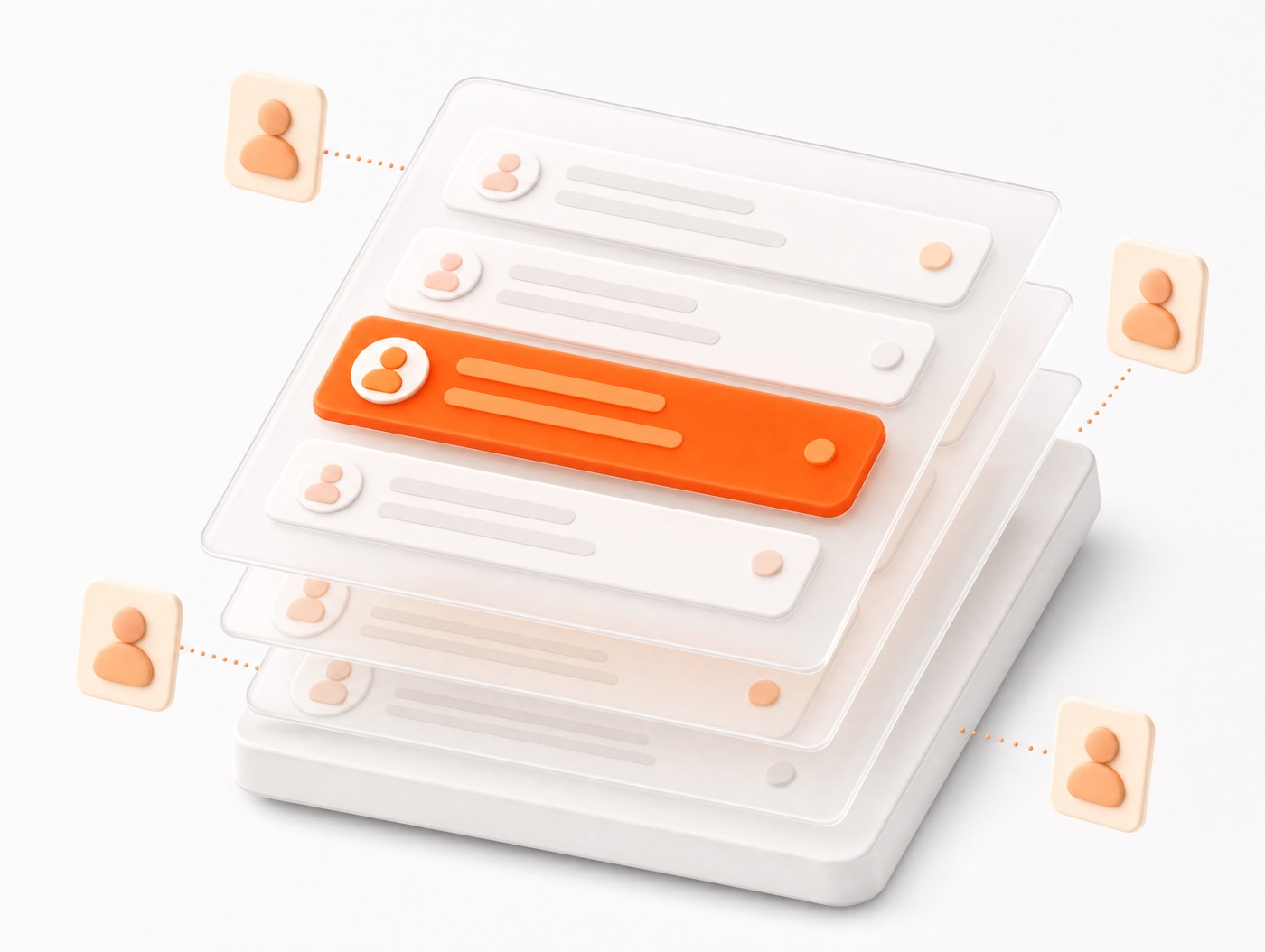
The thread survives the tab closing
Most live chat quietly drops the conversation when the visitor leaves. This one keeps going over email and stitches the replies back into the same thread, so nobody has to explain their problem twice.
Office hours, so the widget says when you are away instead of leaving people waiting.
Replies come from a name you choose, so they read as you rather than as a robot.
Come back to the site and the whole thread is still in the widget.

Live in about two minutes
No migration, no onboarding call, no implementation partner.
Create your workspace
Email and a password. No card.
Paste one script tag
Anywhere before the closing body tag.
Answer from anywhere
Browser, Mac or phone.
<script async src="https://fireaway.chat/widget.js"
data-key="your-site-key"></script>Questions people ask before signing up
What happens when my trial ends? +
If a payment fails, does chat stop on my site? +
Can I get my data out? +
Will it slow my site down? +
Can I stop my key being used on other sites? +
Put a chat box on your site today
Fourteen days free. No card, no call, no data to migrate.
Fourteen days free, no card.